[Intro] AI lyric video maker for your songs Lyric videos, directed to the word.
Upload your song and the lyrics you sang. thesis syncs every word to the music, then an AI director animates a full lyric video around them: your photos, images made for your song, or pure type. For songs in Spanish and English.
[Verse 1] How it works
Time it once. Make it every way.
Upload your song
Add the track as a WAV, MP3, M4A, FLAC or MP4. Paste or import the lyrics you actually sang, in Spanish or English.
Lyrics synced to the word
Automatic timing finds every word of your lyrics in the recording. Listen along line by line, fix anything you hear, and mark it reviewed.
Direct your lyric video
Choose the pictures, a look and how hard it moves, then add a line of direction. The director makes the rest.
Post it everywhere
Landscape for YouTube, vertical for Shorts, TikTok and Instagram Reels, portrait or square for the feed.
[Pre-Chorus] AI music
Made your song with Suno? Give it a video.
Download the track, bring the lyrics Suno wrote with it, and thesis syncs every word and directs a whole lyric video around them: the music video treatment, with your words on screen. Songs from ElevenLabs Music or your own studio work the same way.
Music videos for Suno songsSuno and ElevenLabs are trademarks of their owners. thesis is not affiliated with them.
- Download it from SunoThe MP3 or WAV of your song.
- Bring the lyricsPaste them in and thesis syncs each word to the vocal.
- Direct the videoDozens of looks, sized for YouTube, TikTok and Reels.
[Chorus] Looks
Dozens of looks. Or let it pick.
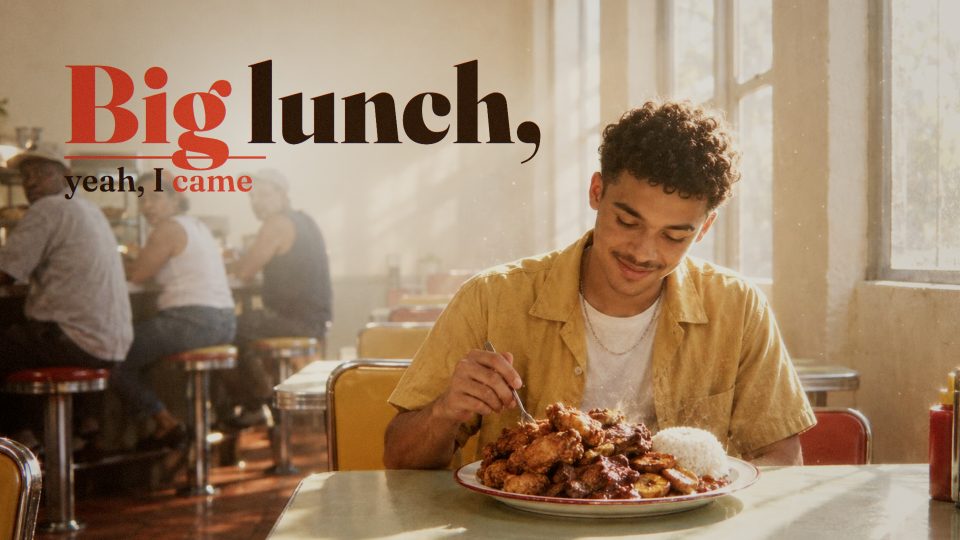
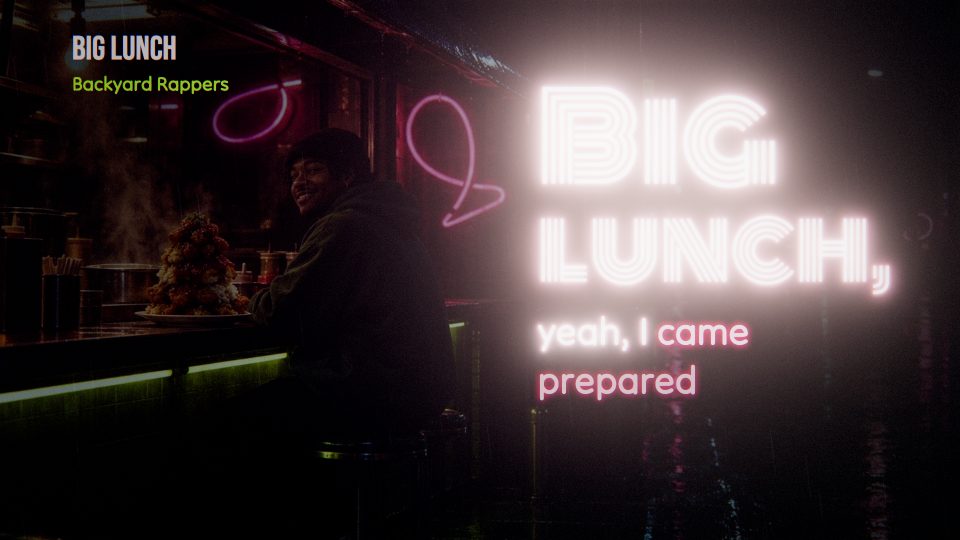
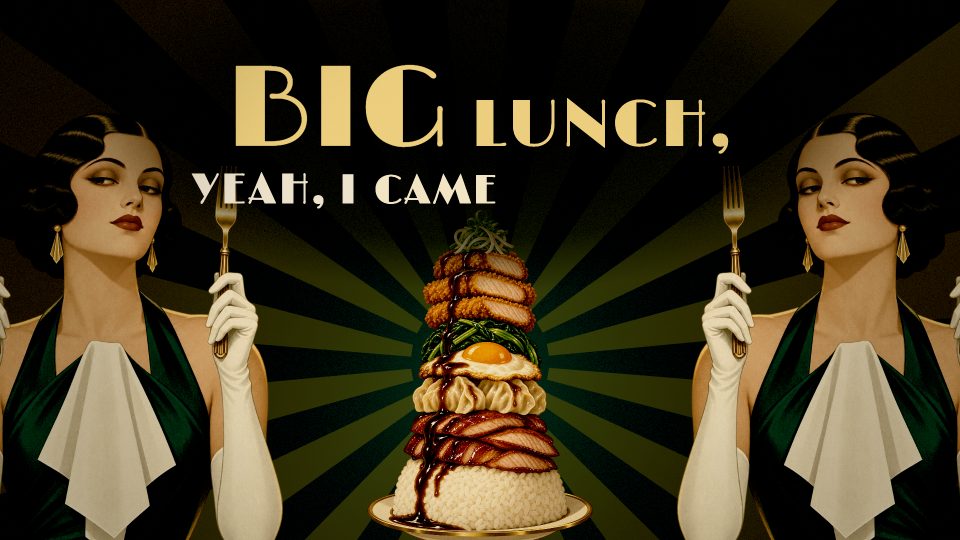
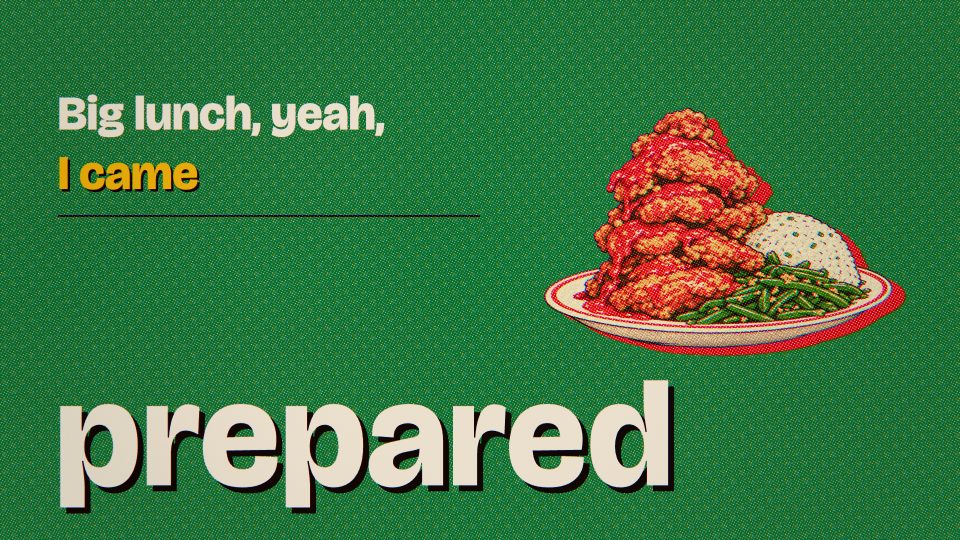
Every frame here comes from a lyric video the director made, most of them from the same two songs. Choose a look for your music, or let the director pick one from its genre, era, language, mood and lyrics.
Cinematic
Like a film: real light, depth, atmosphere, grain and a colour grade.
Neon Night
The city after dark: glowing neon type, light pools and wet reflections.
Deco Noir
Black and gold Art Deco: geometric ornament, spotlights and elegant serif type.
Print
Risograph and screen print: halftone, overprinted inks and bold poster type.
Ink
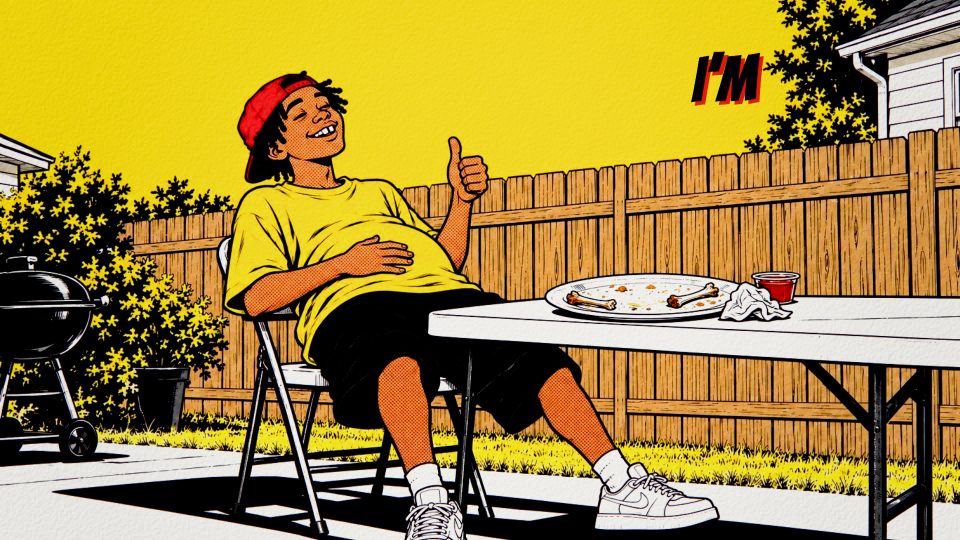
A graphic novel: bold outlines, flat colour, panels and impact.
Geometric Pulse
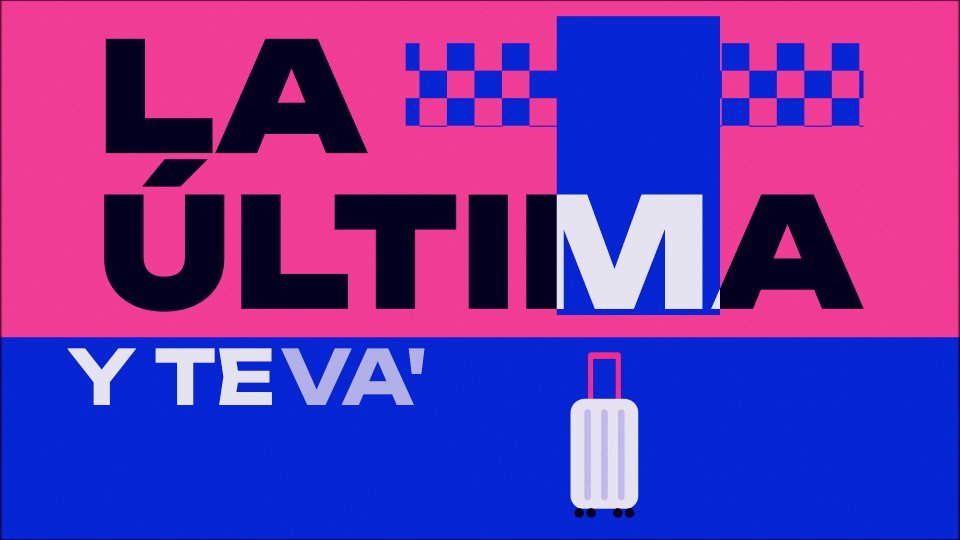
The song's world in bold flat geometry, with op-art patterns that pulse on the beat.
One Line
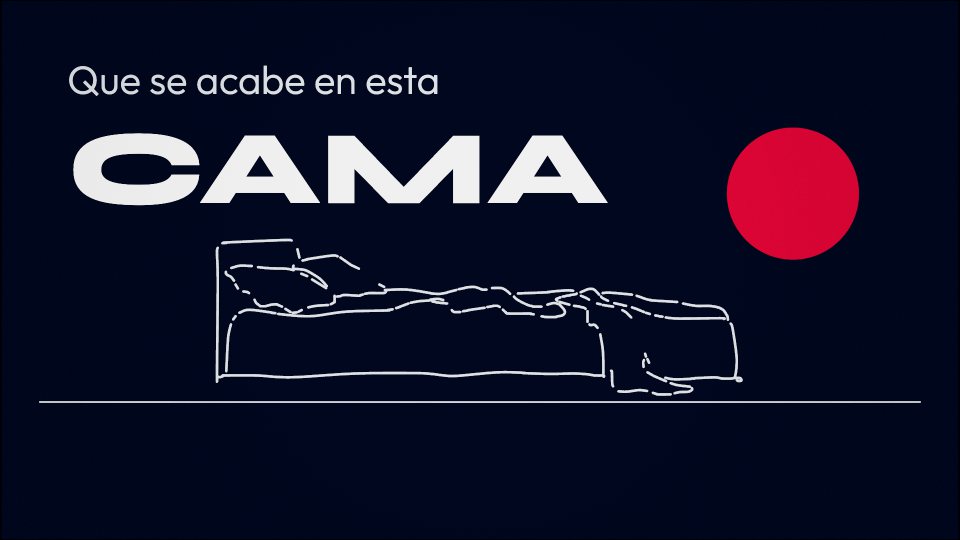
Minimal line drawings that draw themselves on with the music.
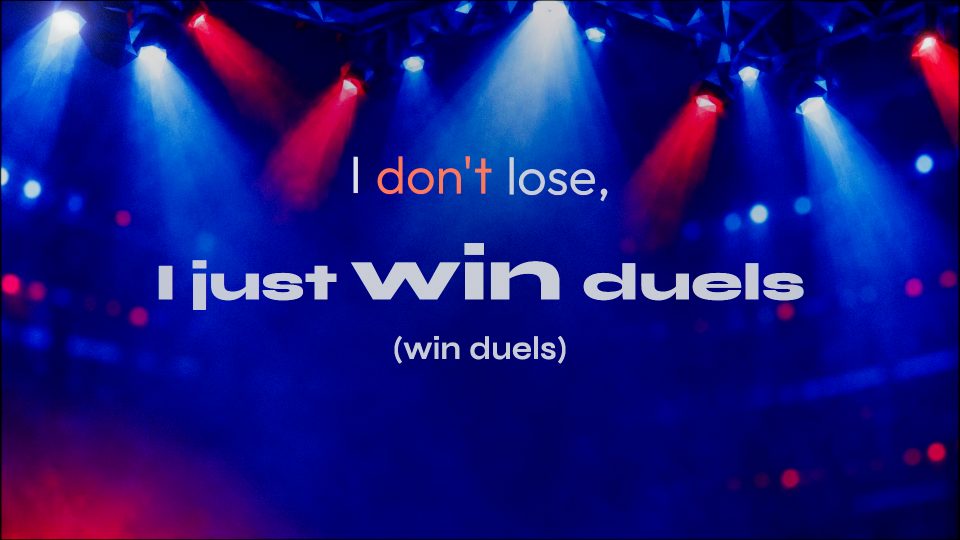
Aura
Soft glowing colour fields, blur, grain and glassy panels.
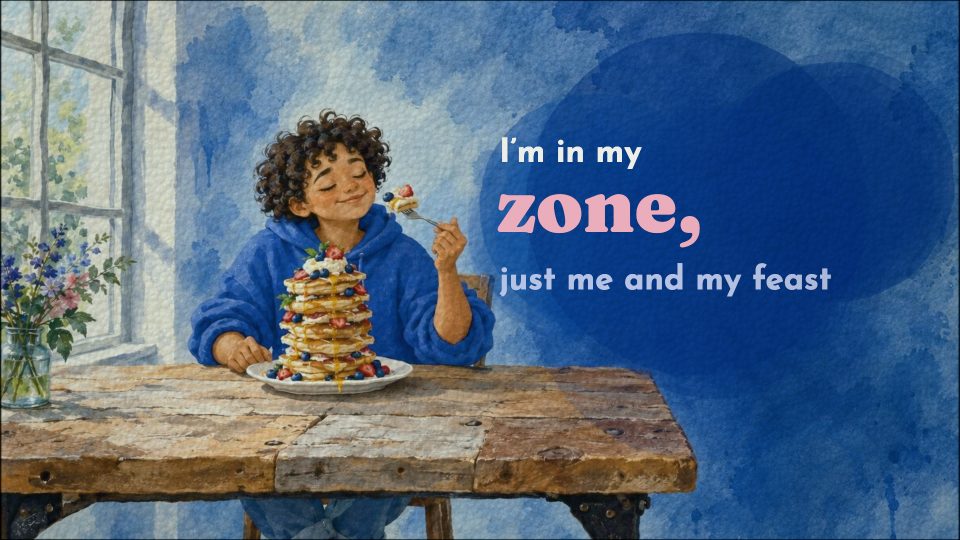
Paint
Gouache and watercolour: brushwork, soft edges and paper texture.
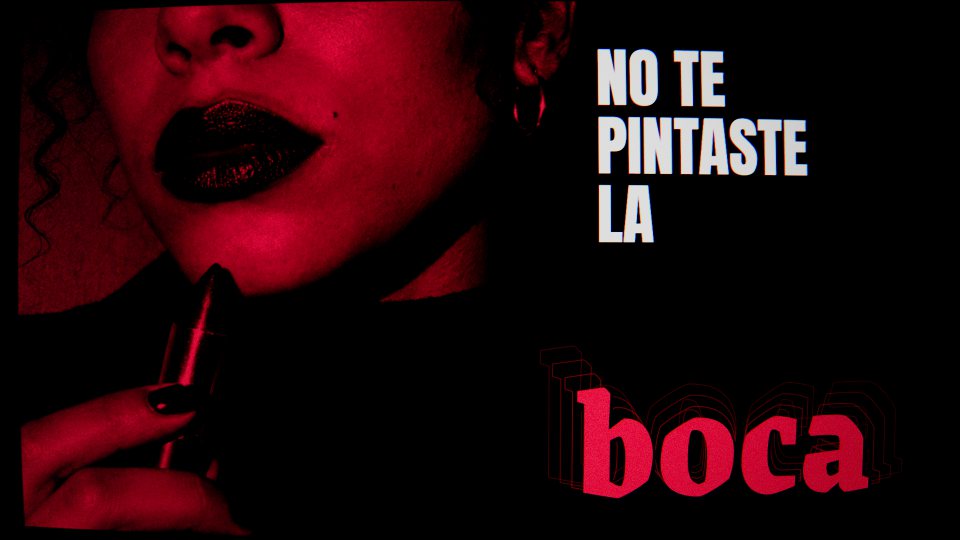
Hard Flash
Drill and trap at night: fisheye, flash and grain, with strobes on the 808s.
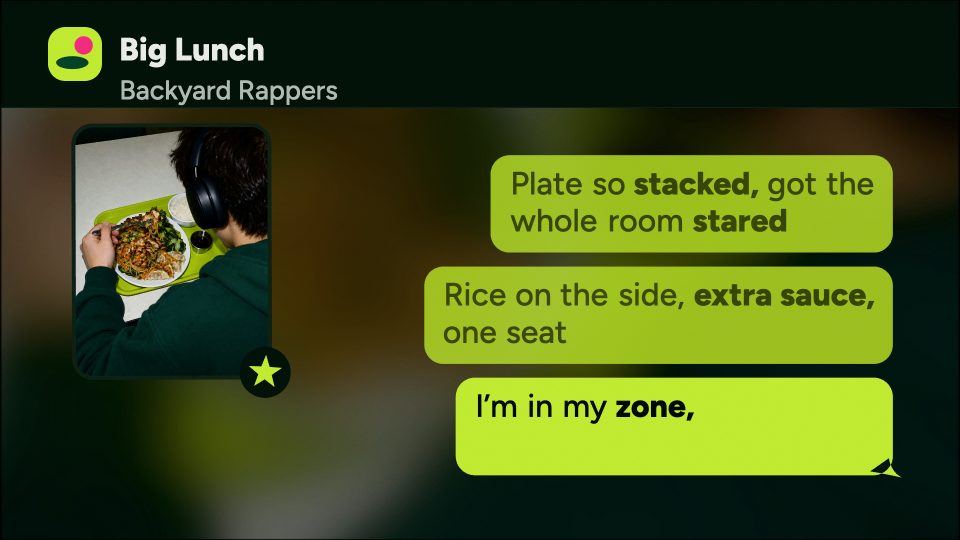
Group Chat
The song as a text thread: lyrics arrive as message bubbles.
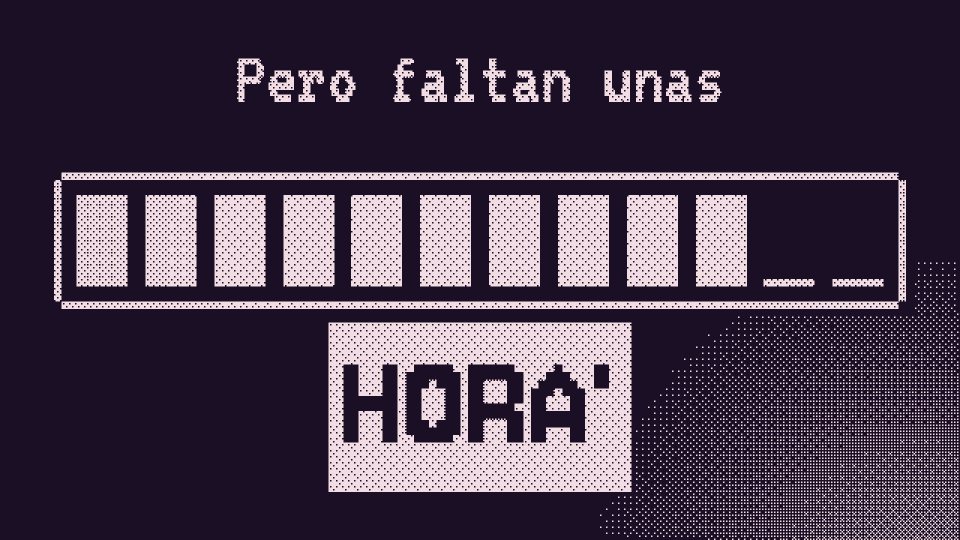
1-Bit
Two colours and dither, like an early Mac: pixel type and etched 3D.
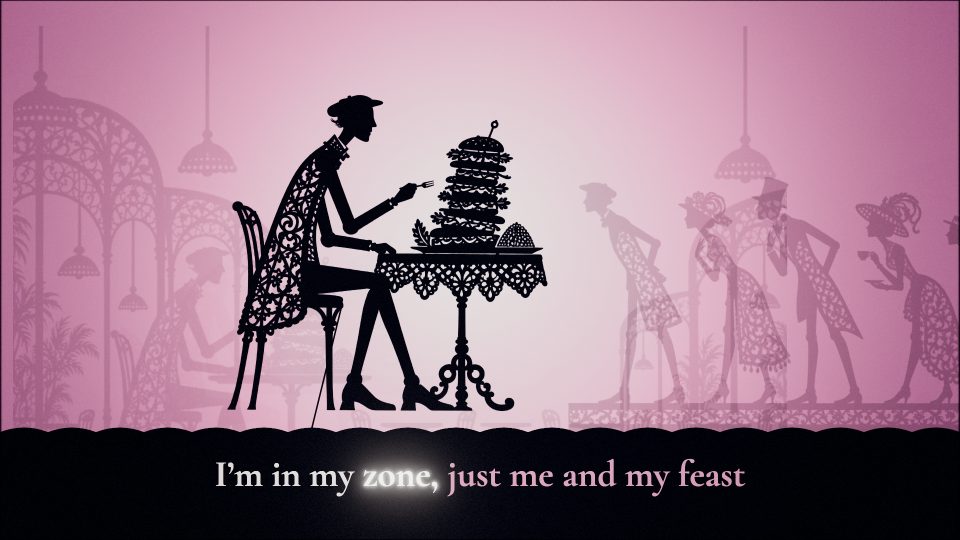
Shadow Play
A silhouette puppet theatre against glowing, coloured light.
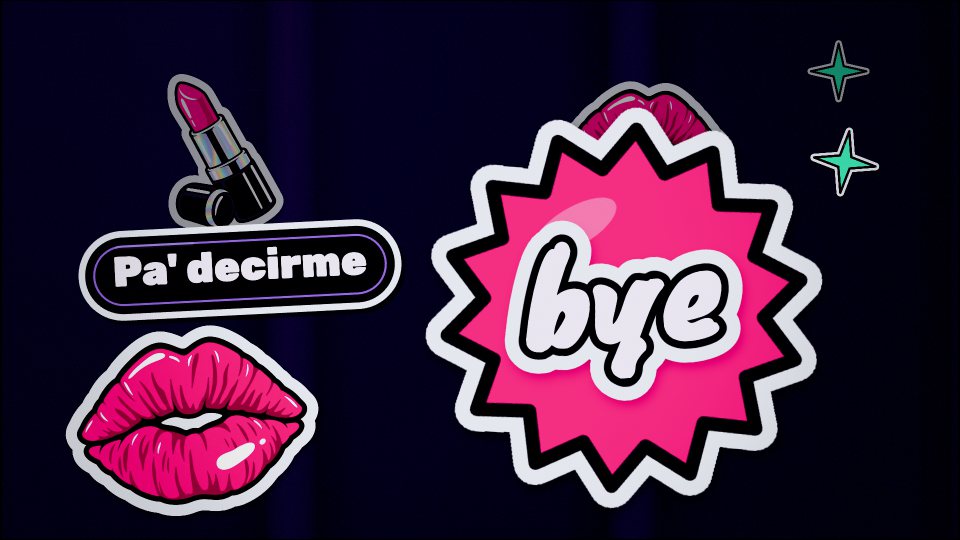
Sticker Bomb
Die-cut vinyl stickers: lyrics and pictures slapped on a laptop lid.
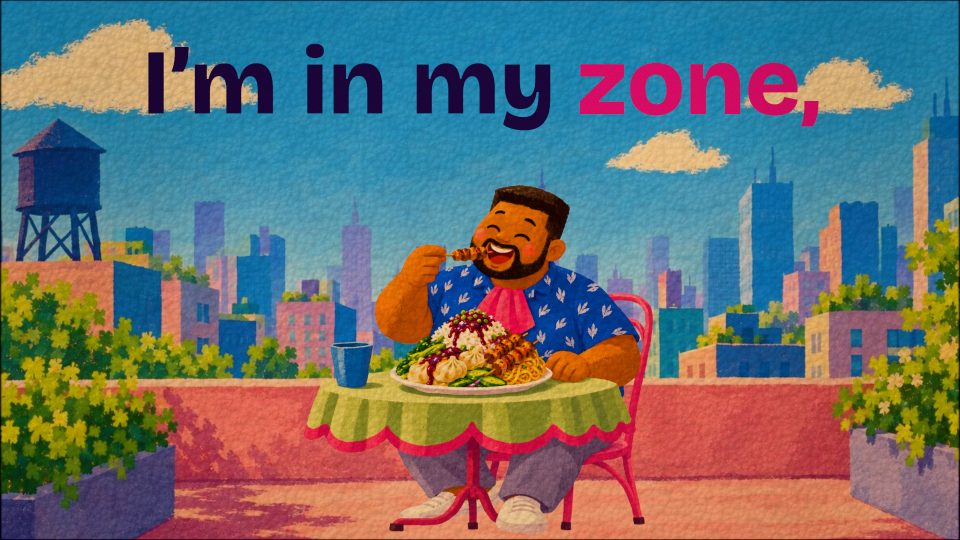
Storybook
A modern picture book in gouache, characters caught mid-moment.
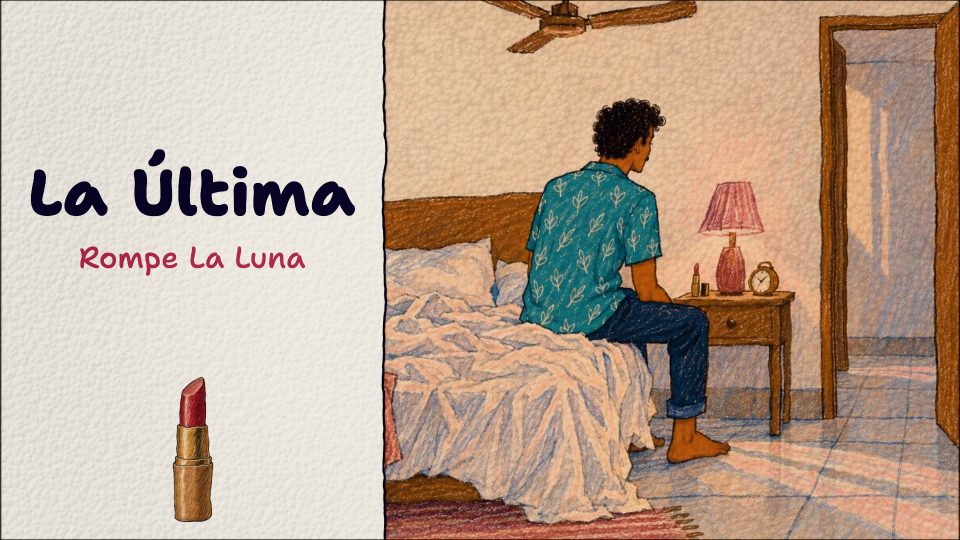
Crayon
Hand-drawn picture-book illustration: wobbly ink lines, crayon and pencil on warm paper.
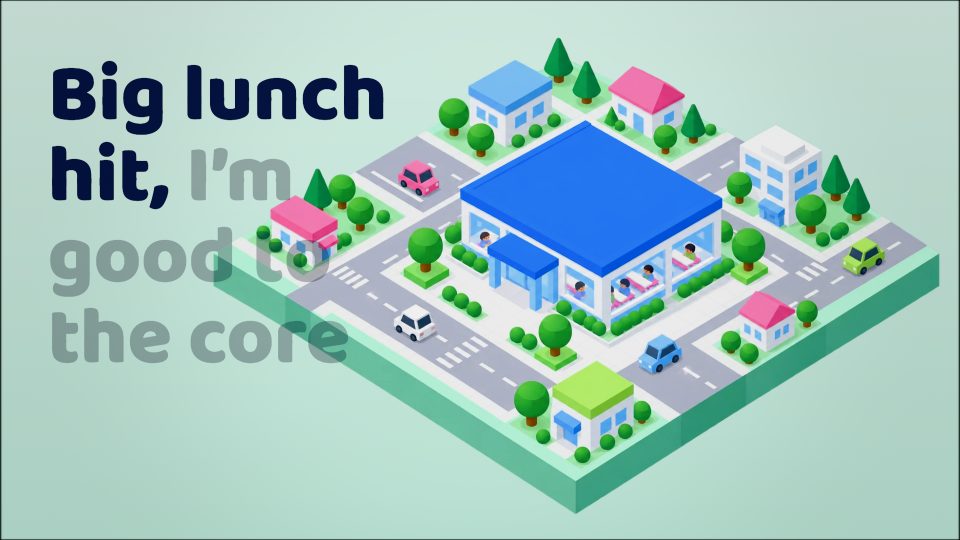
Diorama
Tiny isometric worlds of toy-like places and people.
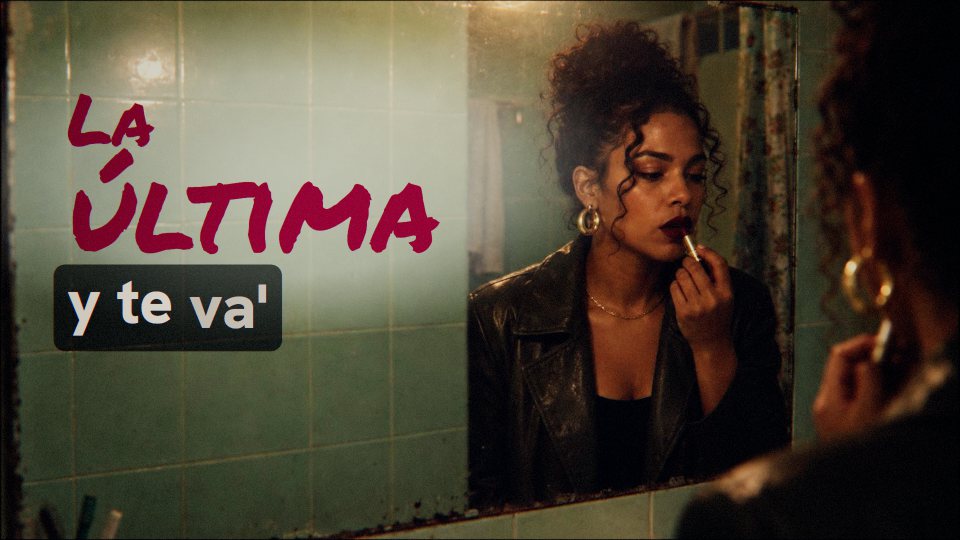
Barrio
A Latin-urban music video: handheld and filmic, like a memory of a real night.
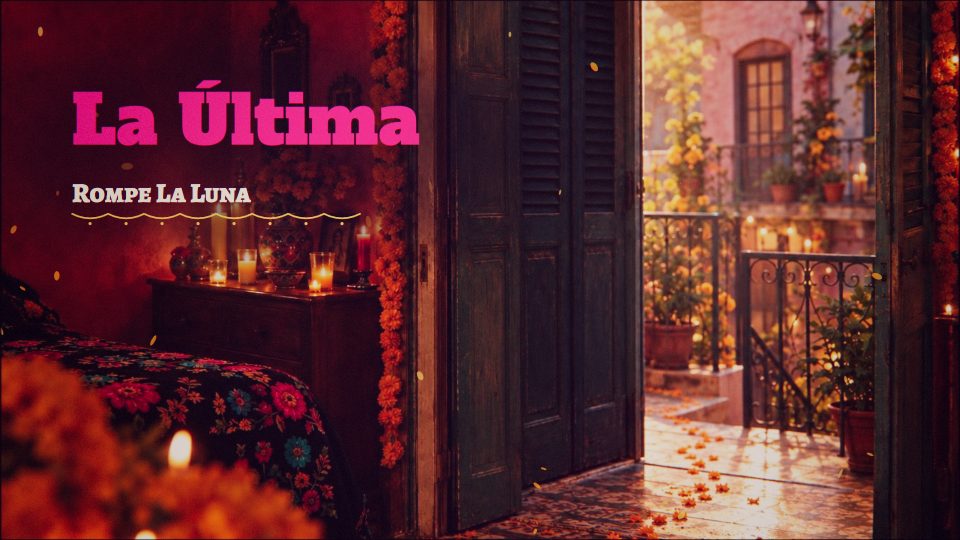
Marigold
Mexican folk colour: marigolds, papel picado and candlelight glowing in deep night.
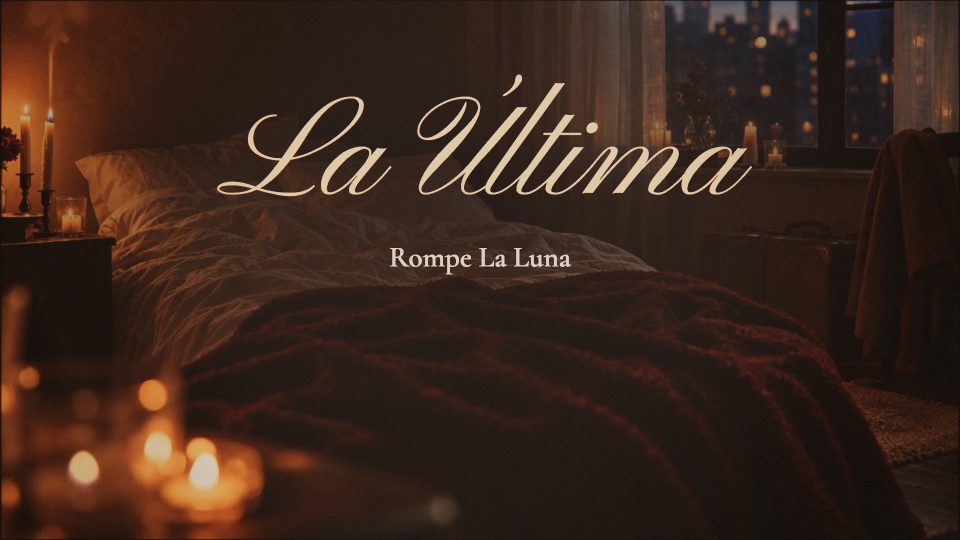
Candlelight
Romance in chiaroscuro: one warm flame against cool night, close and cinematic.
Pick for me
The director reads your song and chooses the look that suits it.
[Verse 2] The AI Director
It reads the song before it draws a frame.
thesis doesn’t generate a clip and hope the words line up. A director reads your song and plans the whole lyric video, and a team of animators builds it from your timing, chapter by chapter.
Reads the song first
What kind of song it is, who is singing to whom, and each key line the way a fluent listener hears it, slang and all.
Plans one design
A storyboard, a type system, a palette and one lyric treatment, shared by every chapter so the video holds together end to end.
Animates in parallel
One animator per chapter of about twelve seconds, each building from your word timing, so every line lands on the moment it is sung.
Checks its own work
A Final is reviewed twice from its own rendered frames. Text stays inside the frame, off faces, never overlapping, and only your lyrics, title and artist ever appear.
[Hook] Your choices
Four choices and a sentence.
Pick what the video is made of, its look and how hard it moves. Add a line of direction if you have one. You see the estimate and a hard cap before anything starts.
01 Pictures
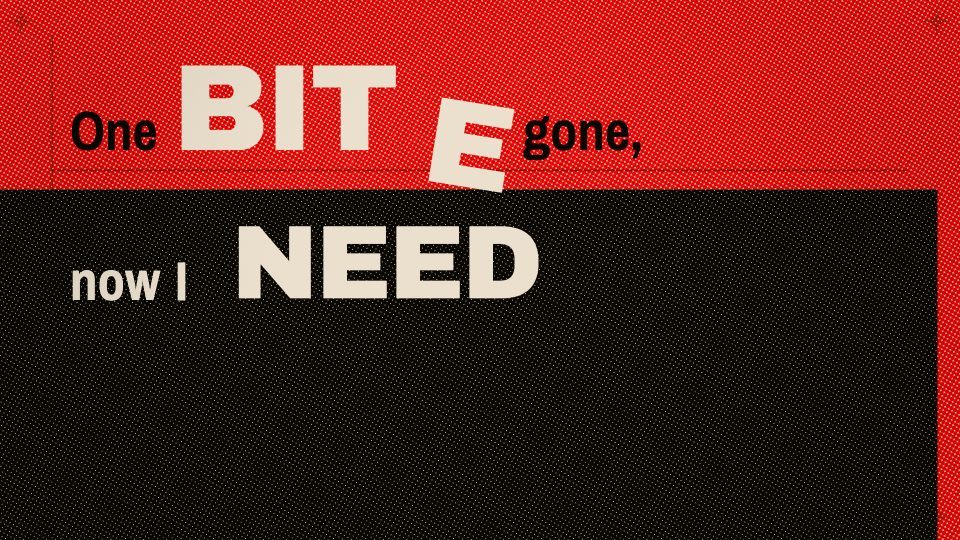 Type onlyBold, animated type. The lyrics are the picture.
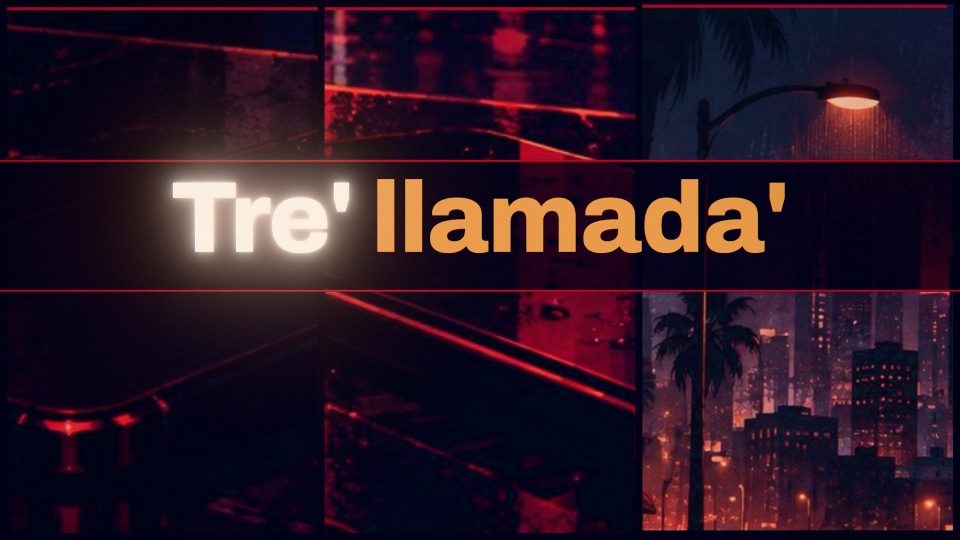 Your photosUp to 6 of your photos, art-directed and animated.
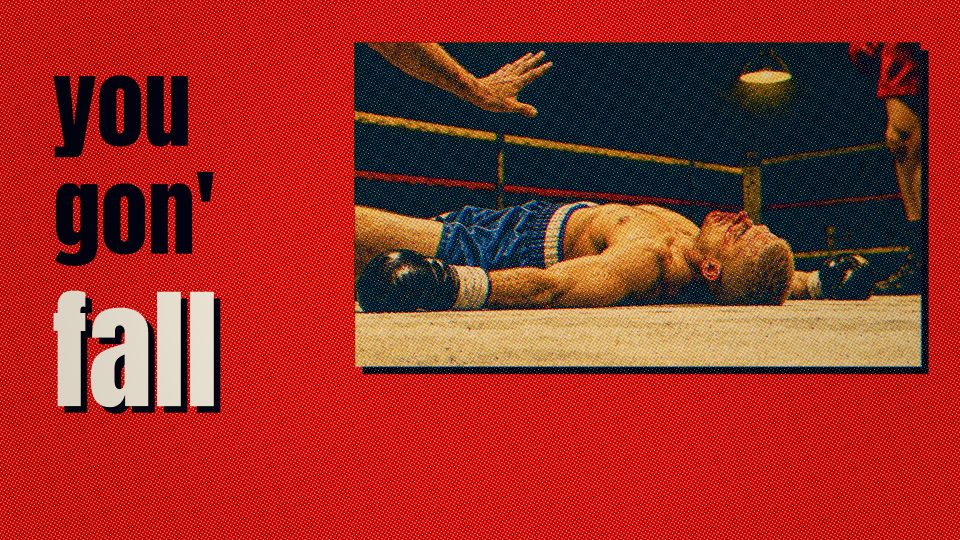 AI imagesUp to 16 images made for your song in one style.
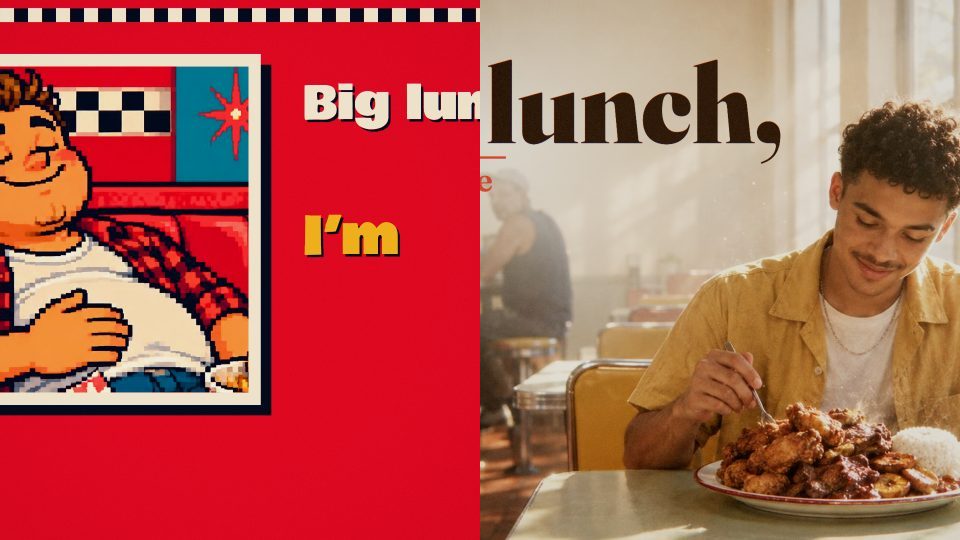 Photos + AI imagesYour photos, with up to 8 AI images around them.
02 Motion
- Read-alongKaraoke-style
- SteadyStill while sung
- BalancedBig on the hooks
- IntenseEvery beat hits
03 Your direction
Golden hour on a rooftop. Warm colours, no neon. Make the hook huge.
[Bridge] Timing
Timing you can trust, then touch.
Automatic timing syncs your lyrics to the music: it separates the vocals, aligns every line, then reviews the whole song in one pass. If your lyrics and your recording disagree, it tells you why instead of guessing.
Every word stays yours. Drag a word, either edge, or the whole phrase. Tap a line in by hand. Edit the text and every word that didn’t change keeps its timing. Time it once, and every video of the song follows.
[Verse 3] Liner notes
Everything else in the studio.
- Spanish and English songs
- Spanish is timed with a Latin American Spanish model, and contractions like pa’ stay exactly as you wrote them.
- Song sections
- Tag #VERSE, #CHORUS or #BRIDGE in your lyrics. The sections show on the song’s waveform and stay out of the captions.
- Backing vocals
- Lines in parentheses get their own lane. Show or hide them without touching the audio.
- Your photos
- Up to six per song, each with a caption the director reads but never shows. Every video of the song can use them.
- AI images in one style
- Up to sixteen, made for your song from the look’s own art sheet, with the same characters from shot to shot.
- Drafts before Finals
- A Short draft directs about the first thirty seconds, so you can check a look before the whole song.
- Make another like this
- Start a new video with the same choices, then change one. Every video of a song shares its timing.
- Four sizes
- Landscape, vertical, portrait and square, with presets for YouTube, Shorts, TikTok, Reels and feed posts.
- Lyric video in 4K
- Download a clean lyric video straight from the timing at 1080p or 4K, with SRT captions alongside.
- The whole song
- AI videos cover songs up to six minutes, directed start to finish, not a loop or a teaser.
- Close the tab
- Timing and videos keep going on their own. Come back when they are done.
- Cost in view
- Every AI video shows its estimate and a hard cap before it starts, and stops at the cap.
[Breakdown] Questions
Questions before you press play.
How do I make a lyric video for my song?
Upload the song and paste the lyrics you sang. thesis syncs every word to the music, then an AI director designs and animates a whole lyric video around that timing. You can also download a clean lyric video straight from the timing.
Is thesis an AI lyric video generator?
Yes, but not the kind that makes a clip and hopes the words line up. The director writes each video as a composition: type, motion, light and pictures, drawn frame by frame from your song’s timing. The pictures are your photos, AI images made for your song in one style, or just the lyrics.
Can it make a music video?
thesis makes lyric videos, where the words lead. With your photos or AI images in a look like Barrio or Cinematic, they can play like a music video, but the lyrics always stay on screen. Music videos without lyrics are not something it makes today.
Can I make a music video for a Suno song?
Yes. Download the song from Suno as an MP3 or WAV, paste in its lyrics, and thesis syncs every word and directs a lyric video around it: the music video treatment, with the lyrics on screen. Songs from ElevenLabs Music and other AI music apps work the same way, as long as you can download the audio.
Does it work for songs in Spanish?
Yes. Spanish and English are both supported, and much of thesis was tested on Spanish songs. Contractions and slang like pa’ stay exactly as you wrote them, so your video con letra reads the way you sing it.
Do I need the lyrics to my song?
Paste the performed lyrics, import a text file, or ask for an automatic draft to start from. Supplying your own gives you control over spelling, phrasing and exactly which words appear.
What music files can I upload?
WAV, MP3, M4A, FLAC or MP4 files up to 256 MB and 20 minutes. AI videos cover songs up to six minutes.
How are the lyrics synced to the music?
Automatic timing separates the vocals, aligns each line of your lyrics, then reviews the whole song in one pass. If your lyrics and your recording disagree, it tells you why instead of guessing. Listen along before you direct a video: you can replay any phrase, drag any word, or tap the song in by hand.
Where can I post my lyric video?
Anywhere you share music. Every video comes in landscape for YouTube, vertical for Shorts, TikTok and Instagram Reels, or portrait and square for feed posts, as an MP4 with SRT captions.
Can I change an AI video after it is made?
Each AI video is one take, so you can rename it but not edit it. Check a look with a Short draft first, then make the Final. Make another like this starts a new video with the same choices.
What about ad-libs and backing vocals?
Wrap backing lines in parentheses and they get their own lane. This is a presentation choice, not vocal separation, so heavily overlapping vocals may need a manual pass.
What will it cost?
Pricing comes with the public launch. AI videos are paid per video, and the studio shows each one’s estimate and a hard cap before anything starts.
Is there a watermark?
Yes. Every preview and export carries a small “Made with thesis.app” mark in a bottom corner, kept clear of your lyrics and credits. Removing it is not available yet.
Can I use it today?
thesis.app is a private beta, tested with real songs. Leave your email and we’ll write when there is a place for you.
[Outro] thesis beta · Early access
Your next song deserves a director.
thesis is in private beta. Leave your email for early access, and help shape it with the music you make.